
An Infinite CanvasBranch out from any idea
Flowacts turns your ideas, research, and files into a structured visual canvas, with concepts linked to their sources and clear paths ready to explore further.
Built Differently on the Canvas
Most canvas tools start blank or stop at the first answer. Flowacts keeps sources attached, lays out the structure for you, and gives you and your team a shared context you can keep exploring.
Every Claim Keeps Its Source
Concepts, claims, and connections stay linked to where they came from. Documents, web pages, notes, and previous outputs remain connected to the ideas they support, so you can always return to the original source, check the context, and see how each part of the canvas came together.
 Flowacts
Structure Comes Built In
Most canvas tools give you an empty board and leave the organizing to you. With Flowacts, bring in ideas, files, notes, web pages, or questions, and see the key concepts, relationships, and paths laid out for you. You start with a structured canvas you can explore instead of building everything from scratch.
FlowactsBranch Out Without Losing Context
From any idea, source, or connection, open a new path and keep going. Dig deeper, compare another angle, or challenge what is already there while the context you have built stays in place. Every new direction continues from what came before instead of starting over.
FlowactsEveryone Builds on the Same Context
Your team does more than look at the same canvas. Everyone can work from the ideas, sources, paths, and open questions that are already there. Teammates can leave comments, @mention each other, follow existing branches, and open new ones while keeping the full context visible. The work keeps moving without losing the thinking behind it.
FlowactsGenerate The Next Form
What you build on the canvas can take many forms. Flowacts turns the same connected context into slides, tables, mind maps, timelines, documents, images, and other outputs you can share, review, and act on, without making you start over or lose the sources behind the work.
FlowactsTurn the same context into whatever comes next


 FlowactsFlowactsFlowactsFlowactsFlowacts
Turn the same context into whatever comes next
From Chat Threads to Connected Work
Chats are great for getting an answer. Flowacts keeps the work around that answer connected, so you can follow the context, explore different paths, and keep building without losing what came before.
Chat Threads
Context Gets Buried
Sources, prompts, and key thinking get buried in a long conversation.
The Answer Ends the Process
Once you have an answer, going deeper often means prompting again and rebuilding the context.
Side Paths Get Lost
Alternative directions, questions, and tradeoffs disappear into chat history.
Outputs Break Away From the Work
Docs, slides, tables, and briefs get disconnected from the sources and thinking behind them.
Hard to Pick Up Later
Coming back, or bringing someone else in, often means reconstructing what happened and why.
👍🏻 Recommended
Flowacts
Context Stays Visible
Sources, notes, questions, and decisions stay connected on the canvas.
Keep Exploring From Anywhere
Open any idea, source, or connection and take it further without starting over.
Every Path Stays Usable
Different directions can live side by side, so you can compare them or return to them later.
Outputs Stay Connected
What you create stays tied to the context and sources behind it.
Easy to Keep Building
You or your team can return to the canvas, see what came before, and continue from there.
What Are You Trying to Figure Out?
From competitor analysis to literature reviews, explore complex questions, connect the evidence, and turn what you find into something you can use.

Analyze Competitors and Find Market Gaps
Compare competitor products, pricing, positioning, features, customer feedback, strengths, and weaknesses to uncover gaps and opportunities.
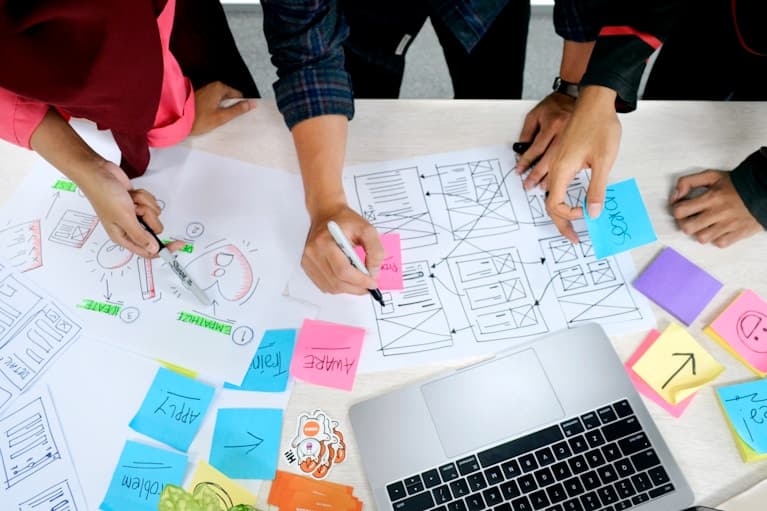
Validate a Product Idea Before Building
Research customer needs, existing solutions, competitors, market signals, and risks before committing time and resources to an idea.
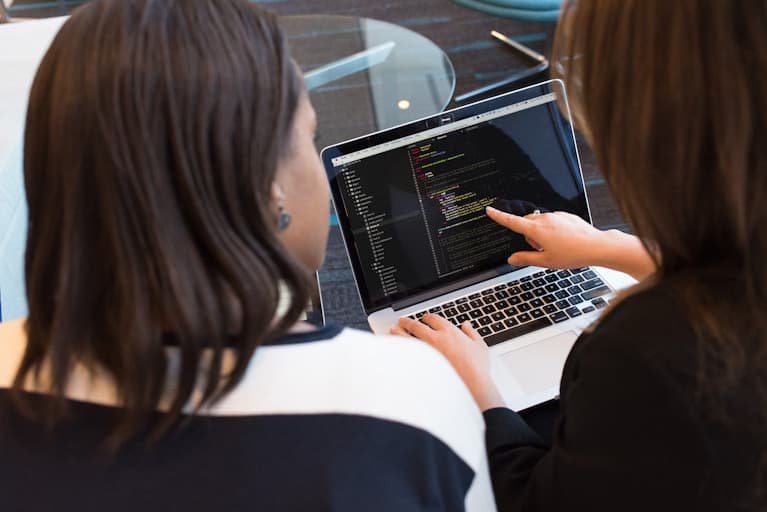
Turn User Feedback Into Product Decisions
Bring together reviews, interviews, feature requests, and research notes to spot recurring needs, prioritize opportunities, and decide what to build next.

Research a Market Before Entering It
Understand key players, customer needs, trends, barriers, risks, and opportunities before entering a new market or making a strategic move.

Build a Literature Review From Multiple Sources
Organize papers, PDFs, notes, and citations to compare findings, identify themes and disagreements, and build a clear literature review.
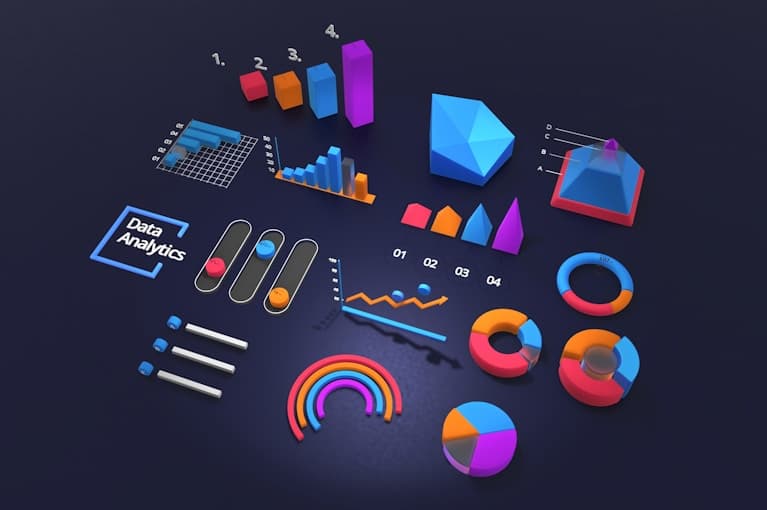
Turn Course Materials Into a Teaching Plan
Combine papers, readings, slides, videos, and notes into structured lessons, key concepts, examples, discussion questions, and teaching materials.
Template Market
Flowacts templates give you structured spaces for the work that usually spills across chat threads, docs, spreadsheets, and meetings. Pick a workflow, add your context, and keep the path from thinking to output connected.
Analysis

Turn ideas into visuals. Easily map out flowcharts and user journeys on an infinite canvas.
Strategy

Skip manual sorting. Prompt Flowacts to generate visual SWOT analyses and market breakdowns.
Project Management
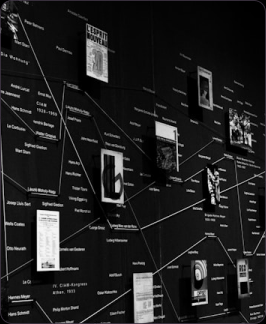
Streamline your sprint. Chat to generate structured Kanban boards, Gantt charts, and timelines.
Meetings

Goodbye messy notes. Instantly spin up brainstorming boards and team retrospectives.
Chart
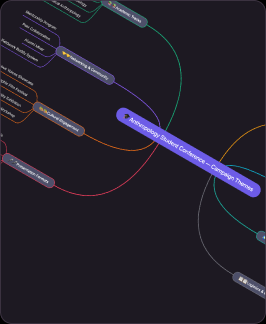
Turn complex ideas into clear visuals. Prompt Flowacts to map out flowcharts, user journeys, and mind maps instantly on an infinite canvas.
User Reviews
Teams use Flowacts when the work is too important to leave inside a private AI chat.

“I still start with AI the same way I used to. The difference is that now the work does not disappear into a chat thread. When my team joins, they can see the sources, the options, and why we chose a direction.”

“For research-heavy work, Flowacts feels closer to a shared thinking room than a document. We can keep different paths open, compare them, and turn the final direction into a report without rebuilding the context.”
“The canvas gives our AI work a memory. Not just what we generated, but what we considered, rejected, and decided.”

“I like that Flowacts does not force everyone to be there from the beginning. One person can explore, then the team can join when there is something real to shape.”

“I used it for a small campaign launch deck and ended up with a polished presentation much faster than expected. I’m now testing how it fits into my regular workflow.”

I literally just sat there and watched everything unfold. Its like adding AI into your obsidian canvas.

I tried it first for a market analysis task i was reluctant to really commit to, but ended up spending more time exploring the tool. I found the quick access toolbox for quick visuals, graphs and photos generation super helpful. Thanks a lot!

Anyone handling heavy qualitative data should really try this out. I dropped a folder of massive user interview transcripts and it just processed everything without losing the direct quotes. You gonna need this in your life.

Super helpful for our market analysis workshops. normally my team spends too much time changing excel sheets and arguing over competitors assumptions before we can commit to a direction. to have everything on one shared canvas where my colleagues can update the variables and dependecies anytime is saving us from the typical pitfalls of endless alignment loops.
“I still start with AI the same way I used to. The difference is that now the work does not disappear into a chat thread. When my team joins, they can see the sources, the options, and why we chose a direction.”
“For research-heavy work, Flowacts feels closer to a shared thinking room than a document. We can keep different paths open, compare them, and turn the final direction into a report without rebuilding the context.”
“The canvas gives our AI work a memory. Not just what we generated, but what we considered, rejected, and decided.”
“I like that Flowacts does not force everyone to be there from the beginning. One person can explore, then the team can join when there is something real to shape.”
“I used it for a small campaign launch deck and ended up with a polished presentation much faster than expected. I’m now testing how it fits into my regular workflow.”
I literally just sat there and watched everything unfold. Its like adding AI into your obsidian canvas.
I tried it first for a market analysis task i was reluctant to really commit to, but ended up spending more time exploring the tool. I found the quick access toolbox for quick visuals, graphs and photos generation super helpful. Thanks a lot!
Anyone handling heavy qualitative data should really try this out. I dropped a folder of massive user interview transcripts and it just processed everything without losing the direct quotes. You gonna need this in your life.
Super helpful for our market analysis workshops. normally my team spends too much time changing excel sheets and arguing over competitors assumptions before we can commit to a direction. to have everything on one shared canvas where my colleagues can update the variables and dependecies anytime is saving us from the typical pitfalls of endless alignment loops.

“The biggest change is review. Instead of sending an AI-generated brief and explaining the thinking again, I can share the canvas. People understand the judgment behind the output much faster.”

“Our team used to paste AI answers into docs and then debate what was missing. Flowacts keeps the reasoning visible, so the conversation starts at the right level.”

“It is useful even when I work alone, because I know the work may need to be shared later. Flowacts keeps the trail clean enough for someone else to pick it up.”

“A great tool for all the visual thinkers out there. I was so fed up with drawing mindmap and flowcharts for every single research finding i had to update my team. with Flowacts its there the moment i uploaded those gigantic files. really did change the way i work and create.”

“It was impressive to see my team collaborate in real time outside the usual docs and slides workflow. I can see Flowacts becoming part of how we manage long-term projects.”

Just when i thought thats too much information all at once, they popped an executive summary right below the info deck. its like they know what i'd otherwise be unhappy about and fixed it for me in advance.

It felt great being able to share and involve both my product and backend teams to see my roadmap. really did save a lot of that sending links and clicking update time.

As a manager you're constantly jumping between a pitch deck, a half-baked operation plan, and a messy brain dump document. this is the first platform where i can move from an abstract ideas from random napkins and conversations to solid executive decisions and next steps without having to manually rebuild the background infos in five different apps.
“The biggest change is review. Instead of sending an AI-generated brief and explaining the thinking again, I can share the canvas. People understand the judgment behind the output much faster.”
“Our team used to paste AI answers into docs and then debate what was missing. Flowacts keeps the reasoning visible, so the conversation starts at the right level.”
“It is useful even when I work alone, because I know the work may need to be shared later. Flowacts keeps the trail clean enough for someone else to pick it up.”
“A great tool for all the visual thinkers out there. I was so fed up with drawing mindmap and flowcharts for every single research finding i had to update my team. with Flowacts its there the moment i uploaded those gigantic files. really did change the way i work and create.”
“It was impressive to see my team collaborate in real time outside the usual docs and slides workflow. I can see Flowacts becoming part of how we manage long-term projects.”
Just when i thought thats too much information all at once, they popped an executive summary right below the info deck. its like they know what i'd otherwise be unhappy about and fixed it for me in advance.
It felt great being able to share and involve both my product and backend teams to see my roadmap. really did save a lot of that sending links and clicking update time.
As a manager you're constantly jumping between a pitch deck, a half-baked operation plan, and a messy brain dump document. this is the first platform where i can move from an abstract ideas from random napkins and conversations to solid executive decisions and next steps without having to manually rebuild the background infos in five different apps.
Frequently Asked Questions
Start with an idea. Keep building from there.
Bring your research, sources, and questions into one connected canvas, then branch out, explore further, and turn what you find into what comes next.